A game show for the all-hands
Turn the training recap or the team offsite into something people talk about after.
Get it on the App StoreGood for
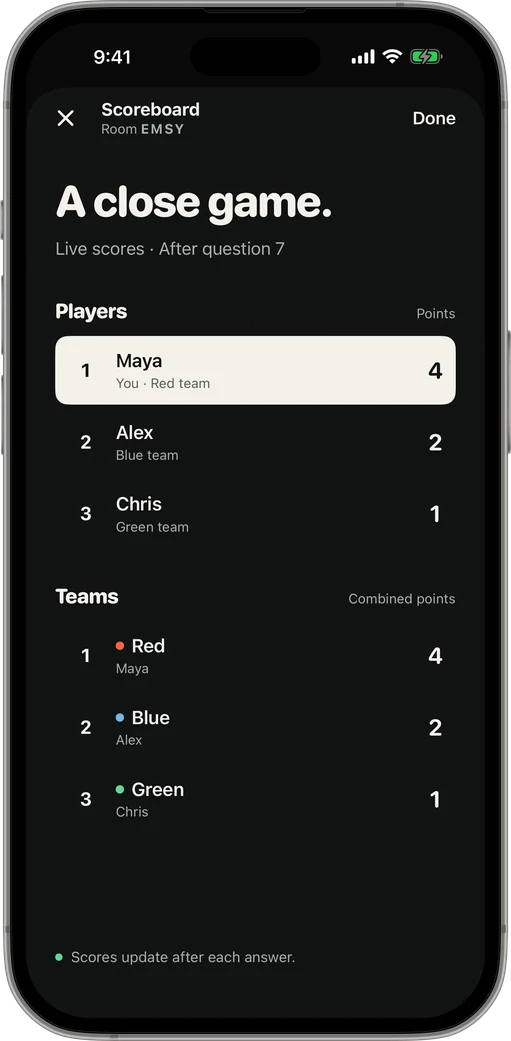
Training reviews, onboarding quizzes about the company, holiday parties, offsites and department face-offs. Split by team and let the scoreboard settle the rivalry.
Nothing to install on work laptops
Players join on their own phones, so IT never has to approve a browser extension. No accounts or email addresses are collected from players.
Hybrid meeting? People in the room and people on the call can be in the same game.
How it works
-
1Open a room
The host taps Host a Game and gets a four-letter code, plus a QR code and a share link.
-
2Friends join
Players open the app on their own iPhone or iPad, type the code and a name. No shared Wi-Fi needed.
-
3First press wins
The host opens the round. Buzzes are ranked by when each phone was pressed.
Questions
How many people can play?
Up to 100 in one room.
Do coworkers need to make accounts?
No. They enter a display name and the room code.
Can one Pro license cover the meeting?
Yes. If anyone in the room has Pro, it covers the whole game.
Keep reading
Your room. Your game show.
Get it on the App Store